Run a business remotely
Use your PINFL to start and manage business activity in Uzbekistan without relocating.
e-Residency will let foreign citizens and stateless people get an official Uzbek personal identification number (PINFL) entirely online — from anywhere in the world, and free of charge.
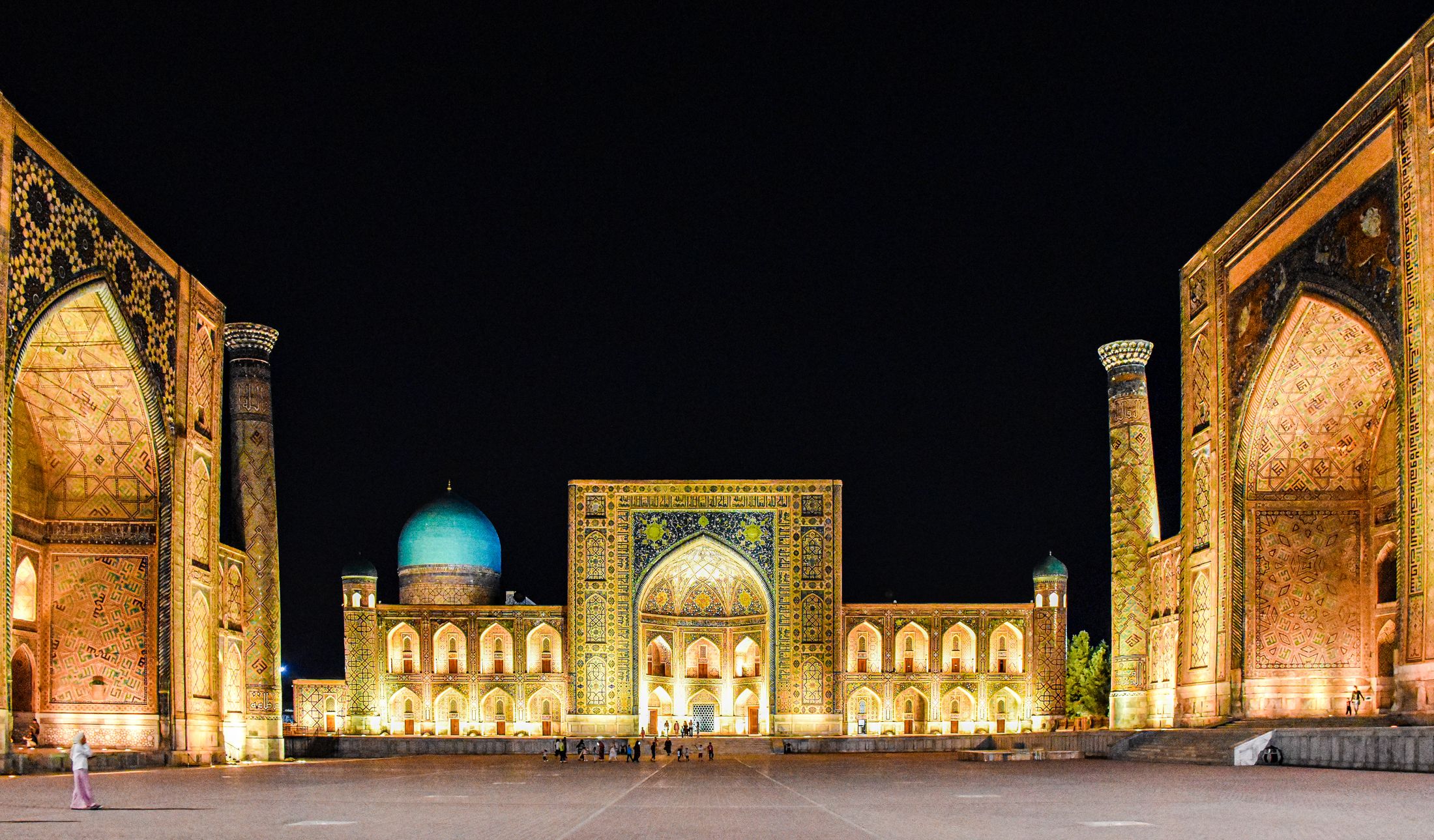
Registan Square, Samarkand
What is e-Residency?
Your PINFL is a unique 14-digit personal number that identifies you in Uzbekistan. e-Residency will let you get yours without leaving home — and use it to do business, open bank accounts and access digital services.
Once you’re approved, you’ll receive your number together with an official electronic certificate with a QR code, issued by the Personalization Center of the Ministry of Internal Affairs.
Good to know: e-Residency gives you a digital identifier (PINFL). It is not a travel document.
Personalization Center · Ministry of Internal Affairs
PINFL · 14 digits
Name
ALEX SAMPLE
Status
Approved
Who it’s for
Open to foreign citizens and stateless persons living abroad.
Use your PINFL to start and manage business activity in Uzbekistan without relocating.
Your PINFL helps you open and use bank accounts in Uzbekistan.
Sign in with OneID, Uzbekistan’s national single sign-on, and use online services without barriers.
How it will work
No queues and no paperwork to post. Here’s what applying will look like once we launch.
Pick your language — English, Russian or Uzbek. Then enter your e-mail address, and we’ll send you a one-time code to confirm it’s yours.
Fill in a short form with the details from your passport: your name in Latin letters exactly as it appears there, citizenship, date of birth, and your document’s number and dates. Then upload a colour scan of your passport’s photo page and a passport-style photo.
To make sure it’s really you, you’ll record a short video of your face — just 3 to 5 seconds. Follow the prompts on screen: blink, turn your head slightly and keep your face in the frame. No fingerprints needed.
Your application goes securely to the Personalization Center, which reviews it within 3 business days. Once it’s approved, you’ll see your 14-digit number on screen, can download your official certificate, and we’ll let you know by e-mail.
After you apply
You get an application number right away.
The Personalization Center checks everything — up to 3 business days.
Shown on screen and sent to you by e-mail.
Your 14-digit PINFL appears on screen, and you can download your official PDF certificate with a QR code straight away.
You’ll see exactly why, in your language — for example, a mistake in your details, an expired passport, or a PINFL that already exists. Fix the issue and apply again.
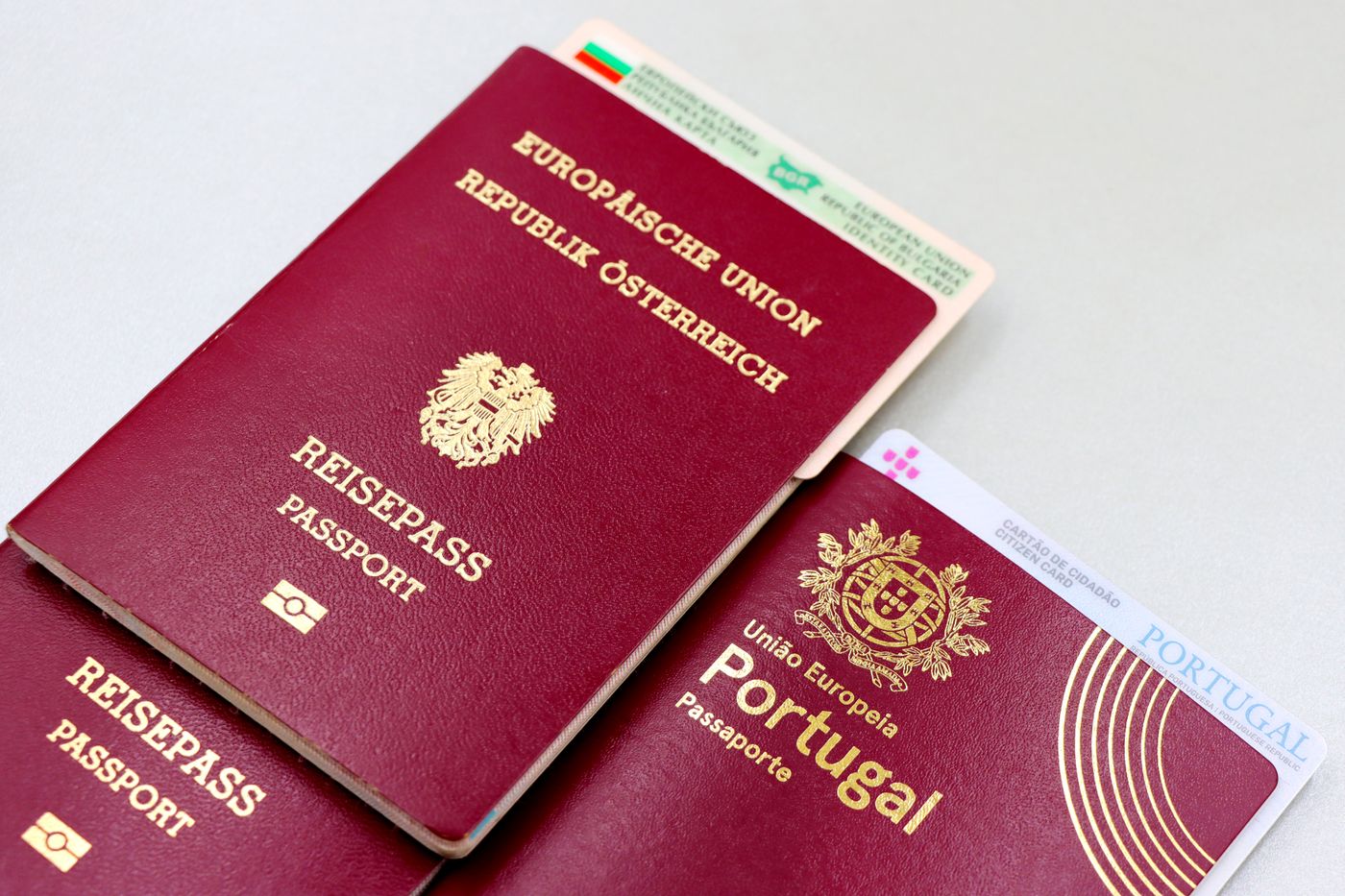
Tip: check that your passport is still valid. An expired passport is one of the reasons an application can be refused.
What you’ll need
Nothing to print or post — everything is digital.
Privacy & security
Your passport details and selfie video are handled under Uzbekistan’s laws on personal data and cybersecurity.
All data is encrypted with TLS 1.3 and AES‑256.
Data is hosted in data centers in the Republic of Uzbekistan.
Applications travel over a mutually authenticated (mTLS) connection.
Liveness checks reject masks, printed photos and videos replayed from a screen.
A web application firewall guards the service, and every access is kept in an audit log for at least 12 months.
ISO/IEC 27001 for security, and ICAO Doc 9303 for photos and documents.
Where we are now
Questions
No. The whole process happens online, wherever you are.
Nothing. e-Residency is free of charge.
Once you submit, the Personalization Center reviews your application within 3 business days.
No. A short selfie video is all that’s needed to confirm your identity.
You’ll see the exact reason, in your language. Correct the issue and submit a new application.
No. e-Residency gives you a digital identifier (PINFL). It is not a travel document.
English, Russian and Uzbek (Latin script). You can switch at any time.
We’re planning to launch in 2026. Leave your e-mail below, and we’ll tell you as soon as it’s live.
Leave your e-mail, and we’ll let you know the moment applications open. One message, no spam.
Registan Square, Samarkand